
Understanding User Flows: A Critical Foundation of High-Quality UX/UI Development
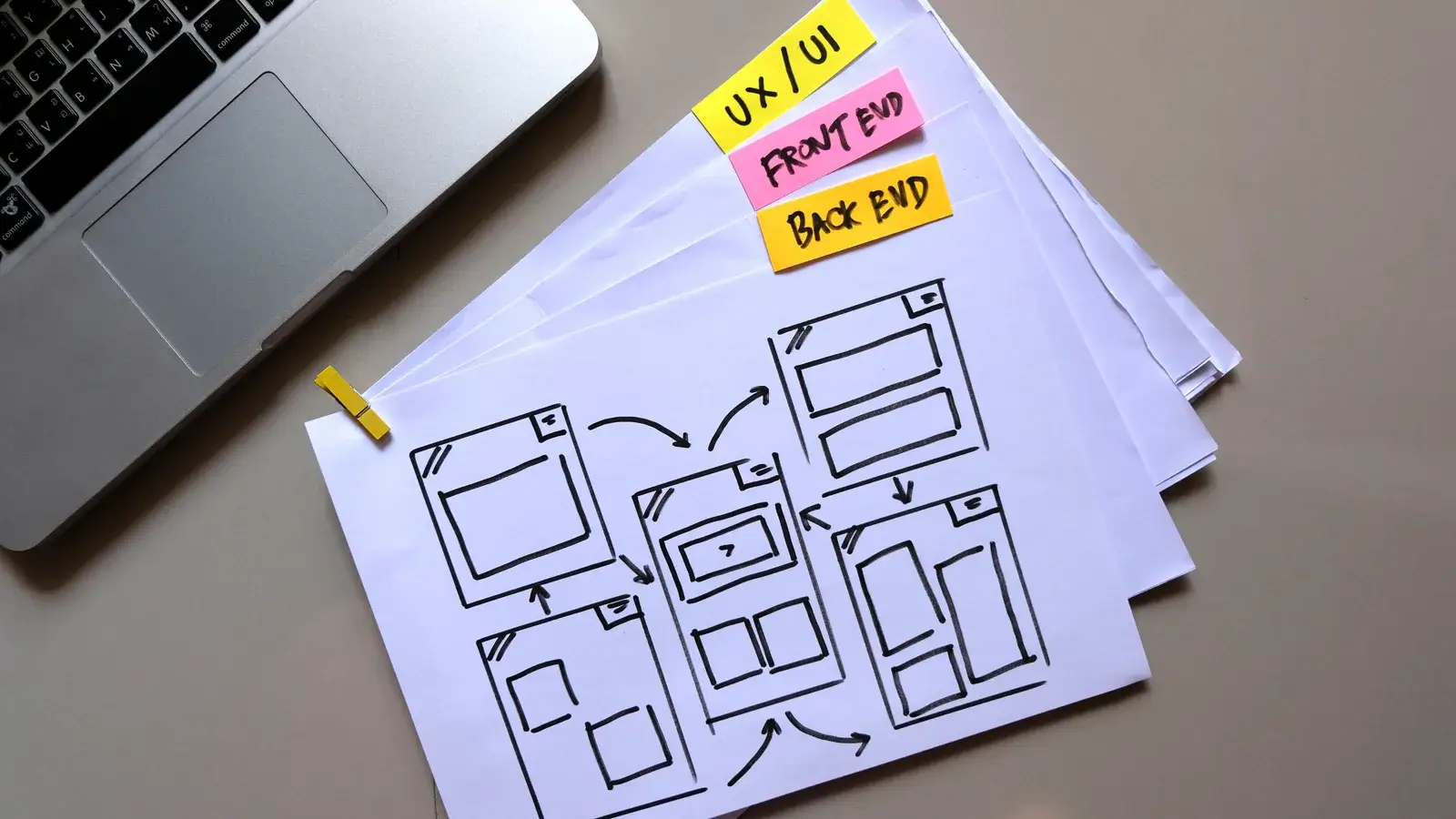
In modern digital product development, user flows have become a core component of effective UX/UI design, ensuring that every interaction is logical, intuitive, and aligned with user intent. A well-structured user flow serves as a visual blueprint of how a user moves through a website or application, mapping each step from entry point to final action. This process creates clarity for designers, developers, and product stakeholders, making it one of the most essential elements in high-performance digital experiences.
A user flow provides a clear overview of expected behaviors and decision paths, reducing guesswork and ensuring consistency across the interface. This enhances usability, conversion rates, design accuracy, and overall product success. In competitive industries where digital experiences are constantly evolving, user flows play an increasingly vital role in streamlining workflows, lowering development costs, and improving user satisfaction.

Industry-Standard Color Coding Conventions
To create user flows that are immediately understandable across teams, the design community follows long-established color conventions. These standards support fast interpretation, clean collaboration, and precise communication—especially in large-scale development projects.
-
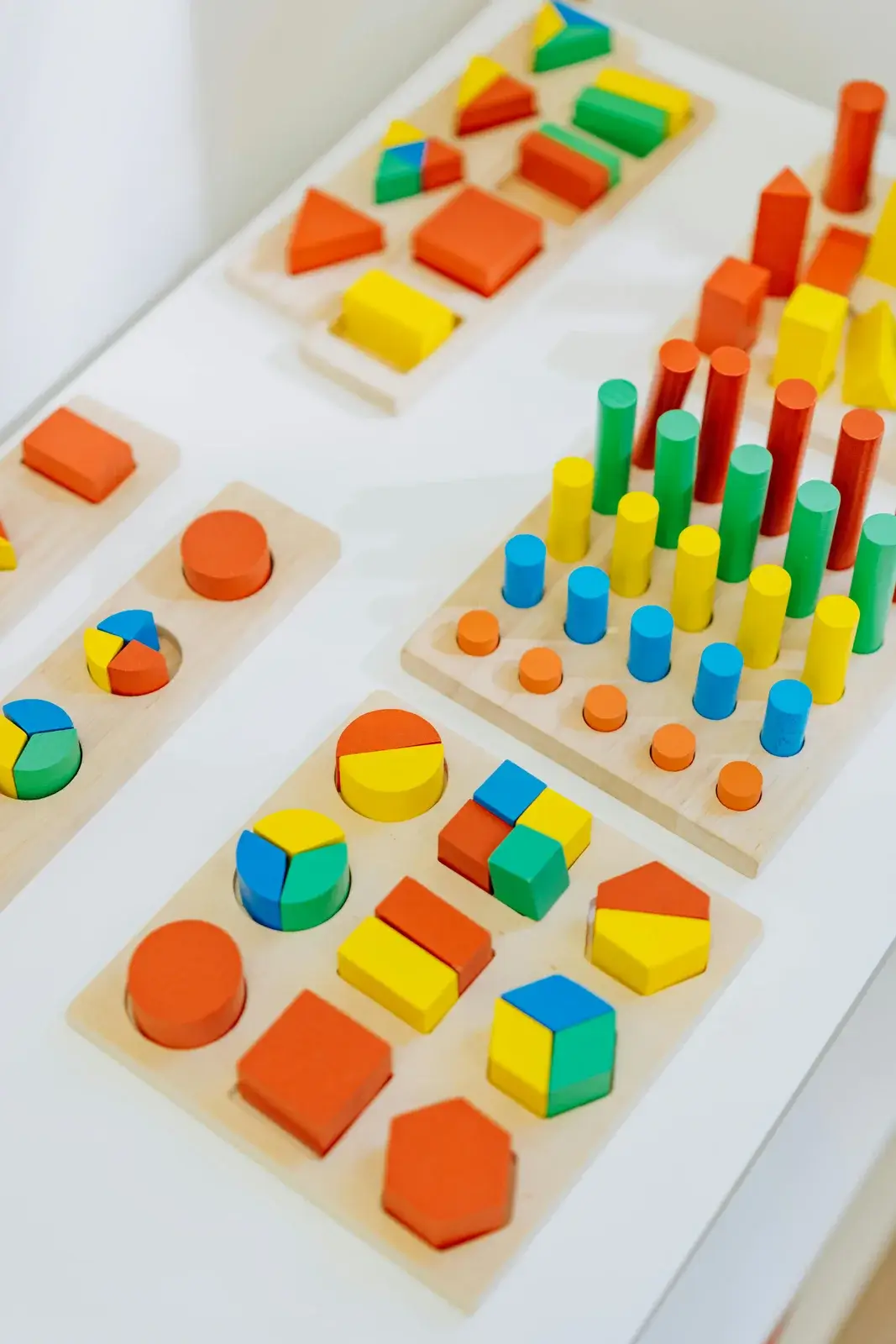
Green is commonly used to represent actions, progress, or successful outcomes.
-
Red typically symbolizes errors, exits, or termination points.
-
Blue is widely used for system processes or default navigational steps.
-
Yellow highlights warnings or conditional logic.
These color-coding systems help teams quickly assess the structure of a product journey and identify potential friction points. Because of their clarity and universal adoption, they reduce misunderstanding between designers, developers, and decision-makers during the UX/UI development cycle.
Meaning of Common Shapes in User Flow Diagrams
User flows rely on a standardized set of shapes used across UX/UI design tools and professional wireframing platforms. Each shape has a specific meaning that contributes to uniformity and reduces ambiguity:
-
Ovals represent entry or exit points in the journey.
-
Rectangles indicate core screens, actions, or major steps.
-
Diamonds signal decision points that branch into multiple directions.
-
Parallelograms often denote system inputs or automated processes.
These shapes form a readable pattern that allows the entire team to interpret the structure of the experience without additional notes or explanations. Standardization ensures that design artifacts align with global best practices followed by leading UX/UI teams.
Common Roadblocks in User Flows
Even the most experienced teams encounter challenges during the user flow creation process. The most common roadblocks include:
-
Overly complex paths that create confusion and reduce usability.
-
Missing decision points that lead to unrealistic or incomplete journeys.
-
Inconsistent naming conventions across screens and actions.
-
Lack of alignment between UX research and UI execution.
-
Undefined goals resulting in unclear user outcomes.
Addressing these issues early is crucial for optimizing product performance. Clean and efficient user flows reduce design revisions, speed up development, and provide a strong foundation for wireframing, prototyping, and final UI design.
The Bottom Line
A well-structured user flow is a cornerstone of effective UX/UI design. By following industry-standard color coding, using meaningful flowchart shapes, and addressing common roadblocks, teams can create intuitive, efficient, and high-performing digital experiences.
User flows not only improve usability and reduce development errors but also align design and development teams, ensuring that digital products are both user-centered and conversion-focused. Properly designed flows lead to smoother interactions, higher engagement, and measurable improvements in overall product performance.