Project Overview
Problem Statement
- Users have no way to access business information online.
- Need for clear navigation and usability.
- Must create effective site structure and flow.

Goals & Objectives
- Launch first online presence for the business.
- Ensure smooth experience across devices.
- Establish clear user flow and content hierarchy.

Solution
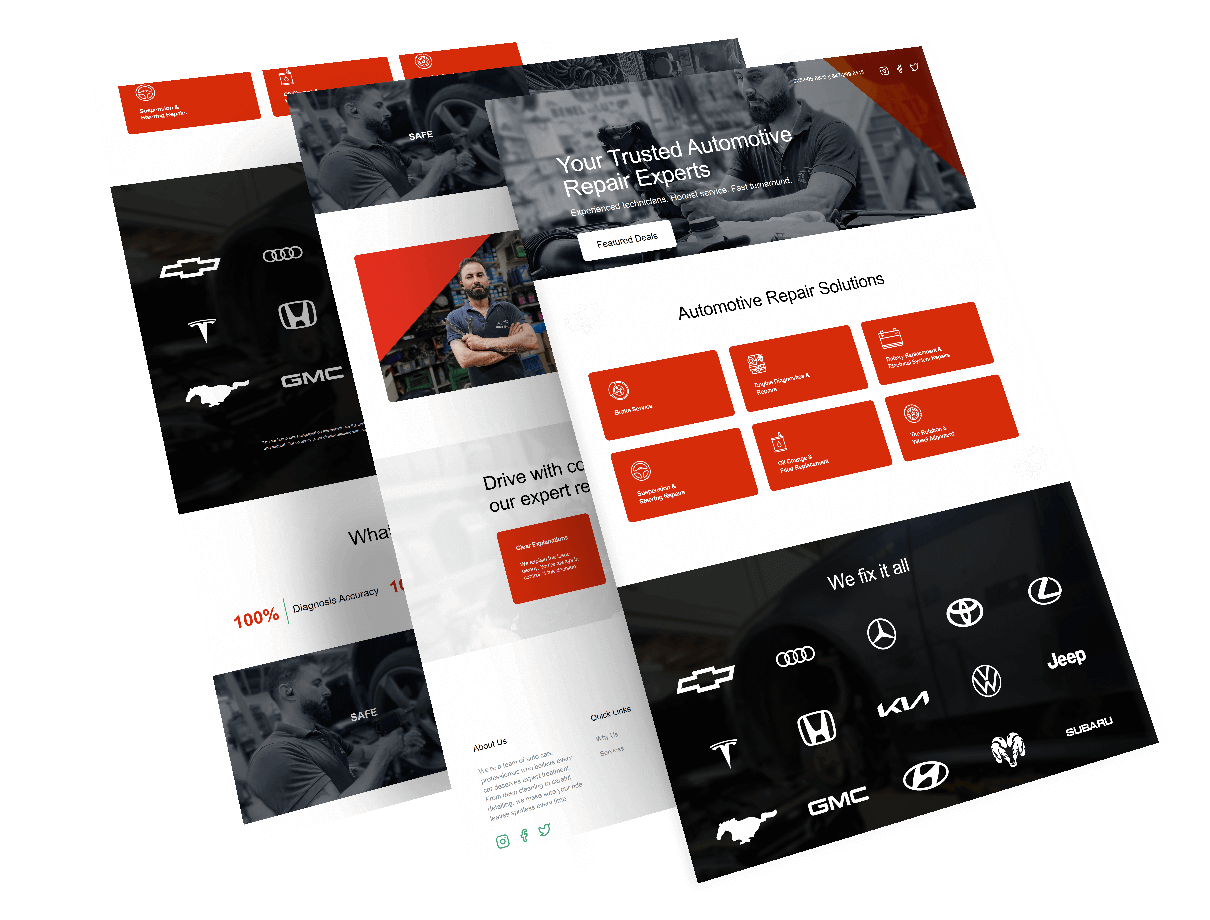
- Built complete website from scratch.
- Manual testing on real devices for usability.
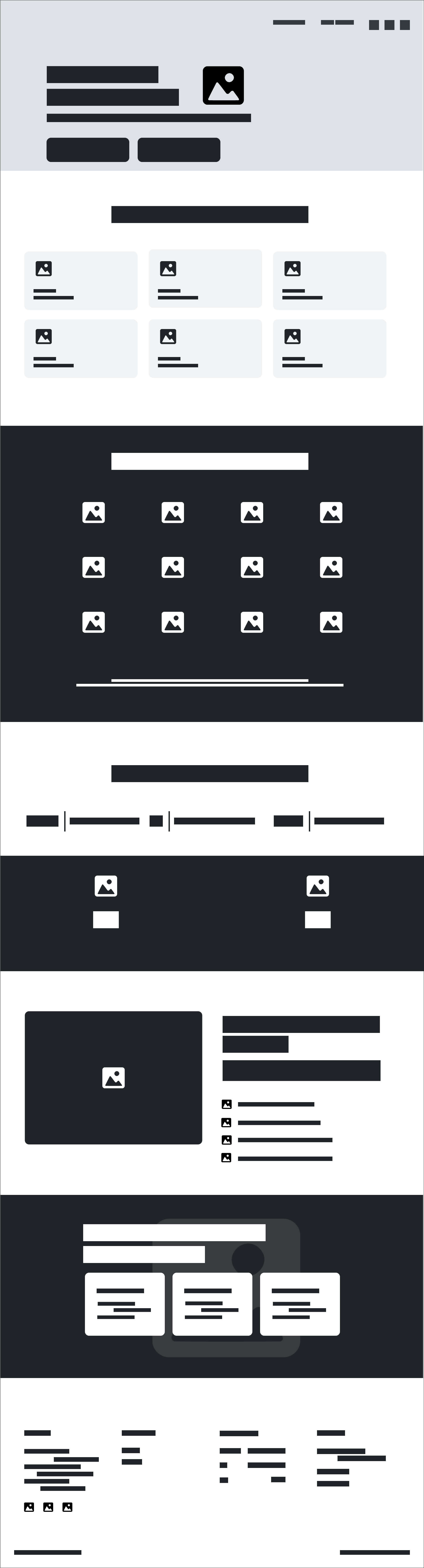
- Created wireframes and high-fidelity prototypes in Figma.
Key Responsibilities
1
Research
- Competitor analysis
- Design & SEO trends
2
Analyse
- Identify gaps & trends
- User flow review
- Content hierarchy
3
Prototype
- Wireframes creation
- Interactive prototype
- User testing
4
Design
- UI layout in Figma
- High-fidelity visuals
User Testing
User Experience Evaluation
Pre-Launch
- Nav
- Responsive
- Buttons
- Usability
- Devices
- Sections
- Review
Why
Ensure smooth experience across devices and catch usability issues early.
When
Post-development and pre-launch to validate final designs.
What & Where
Navigation, responsiveness, buttons tested on hero, services, contact.
How
Manual testing using real devices and Chrome DevTools.
Who
Independently performed and reviewed by me.
User Testing
User testing was done post-development and pre-launch to ensure a smooth experience across devices (why & when). It focused on navigation, responsiveness, button actions, and usability (what). Testing was manual using real devices and Chrome DevTools (how), targeting key areas like the hero, services, and contact sections (where). All testing was independently performed and reviewed by me (who).
Competitive Research
Who
All wireframes and layouts were developed and finalized by me.
Why
To define the website’s structure, content hierarchy, and navigation before design.
When
Created after research and content planning to establish a foundation for design.
Where
Applied to main layout covering hero, services, and contact sections for consistent flow.
Why & How
Created low-fidelity layouts in Figma focusing on user flow and content hierarchy.
Competitive Research
Competitive research was done early in the planning phase, before wireframing (when), to identify design trends, SEO gaps, and messaging strategies (why). It involved manually analyzing over five local auto repair competitor websites (what & how). The focus was on businesses within the same area (where), and the research was independently conducted by me (who).
Wireframes
Wireframes
Wireframes were created after research and content planning (when) to define the website structure before design (why). Low-fidelity layouts for key sections like the hero, services, and contact were made in Figma, focusing on user flow and content hierarchy (what & how). They were applied to the main layout (where) and fully developed by me (who).
Prototype
Concept Realization
After wireframes
ProcessCreated after wireframes to visualize the site.
Visualize journey
PurposeHelp client understand design and make decisions.
High-fidelity layouts
ToolBuilt in Figma with content and interactions.
Tested flows
MethodLean methods with usability testing.
Single-page layout
CoverageCovered hero, services, and contact sections.
Designed by me
OwnerFull ownership of prototype creation and testing.
Prototypes
I built medium-fidelity prototypes (What) with Axure and Figma (How) after wireframing (When) to demonstrate the user journey interactively (Why). This helped the client (Who) better understand the design and make faster decisions. Later, I tested two versions with 10 users in a controlled setting (Where) to collect feedback.